Connect your way
Discover compatible ONVIF cameras or add an RTSP stream manually. Camera and network compatibility varies.
 Irana Labs
iPhone and iPad camera viewer
Connect to compatible ONVIF cameras or add an RTSP stream. Watch live video, organize views into dashboards, and use PTZ controls when your camera supports them.

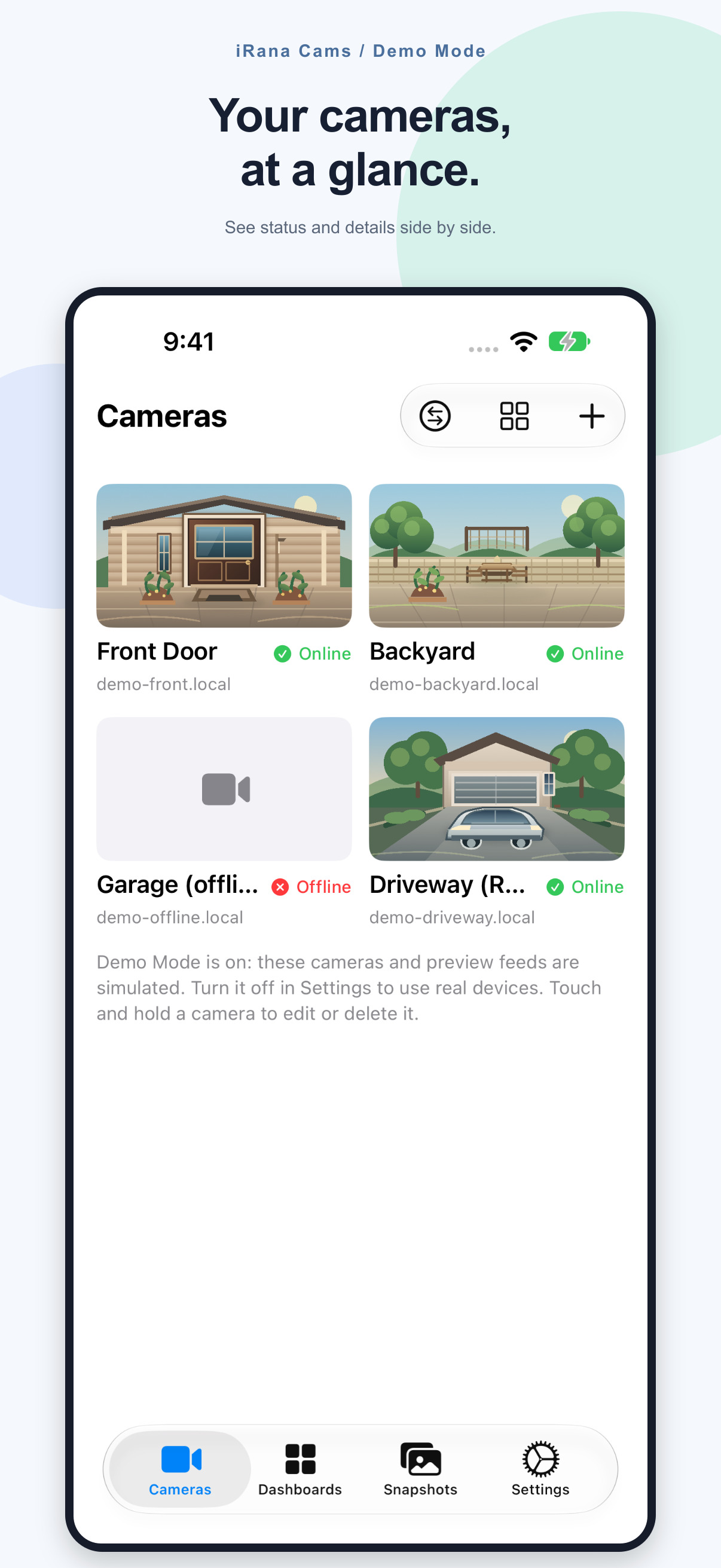
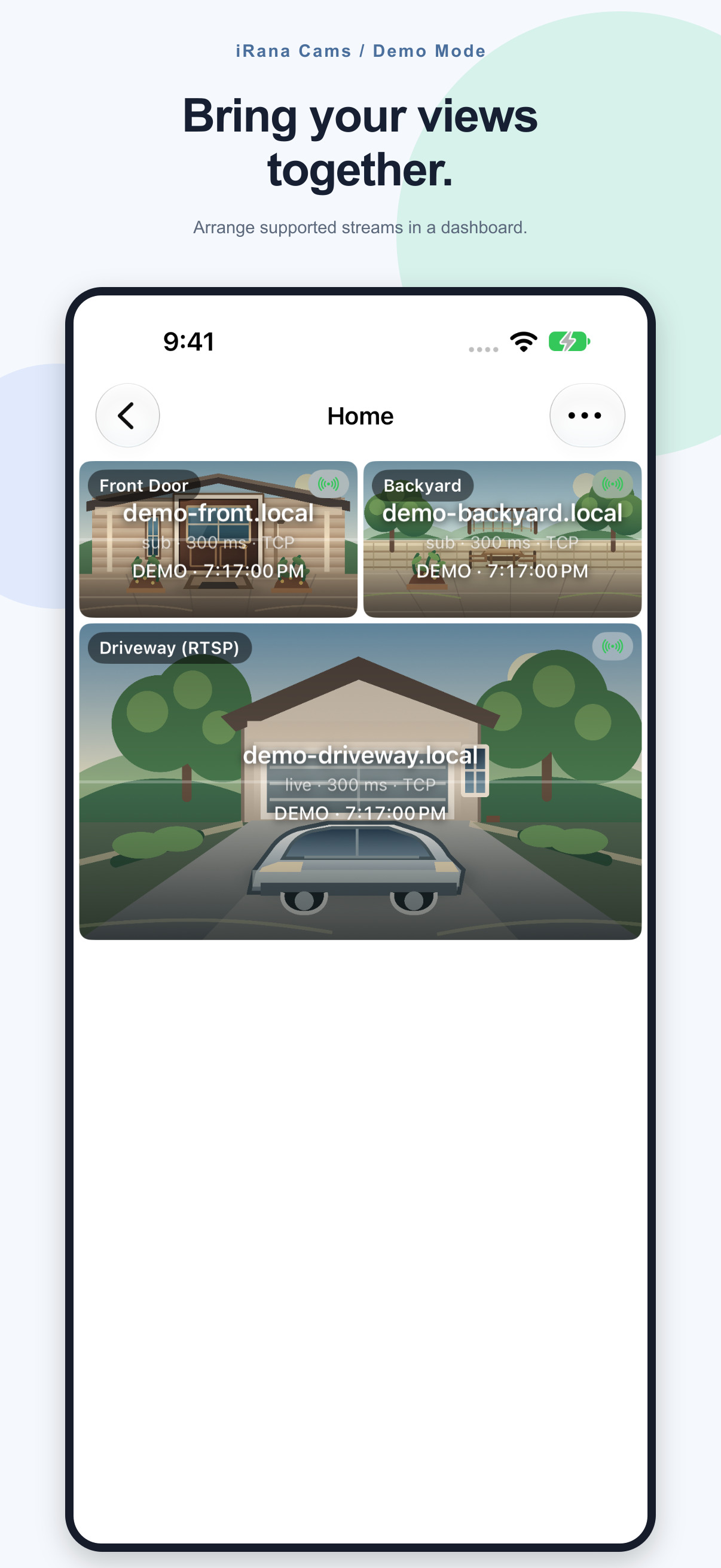
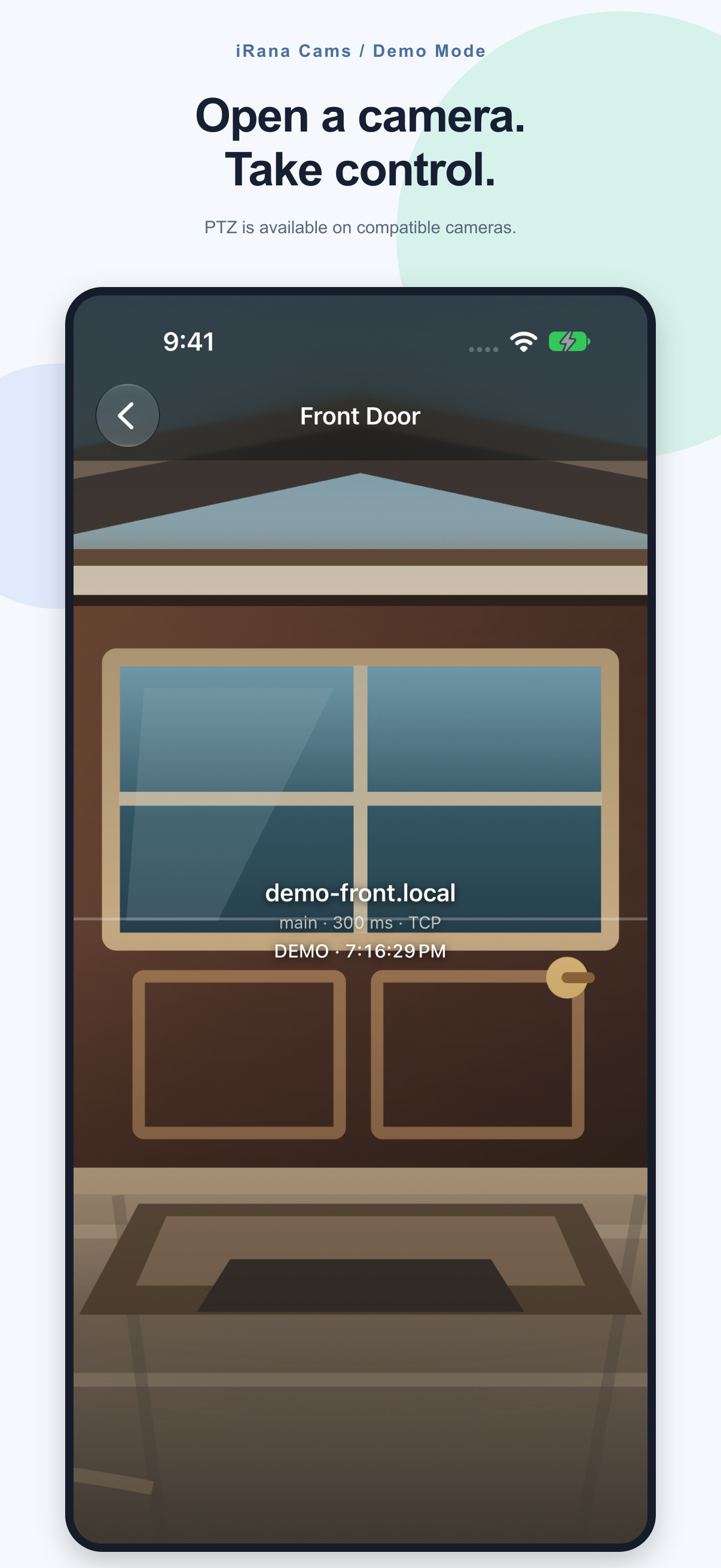
A look inside
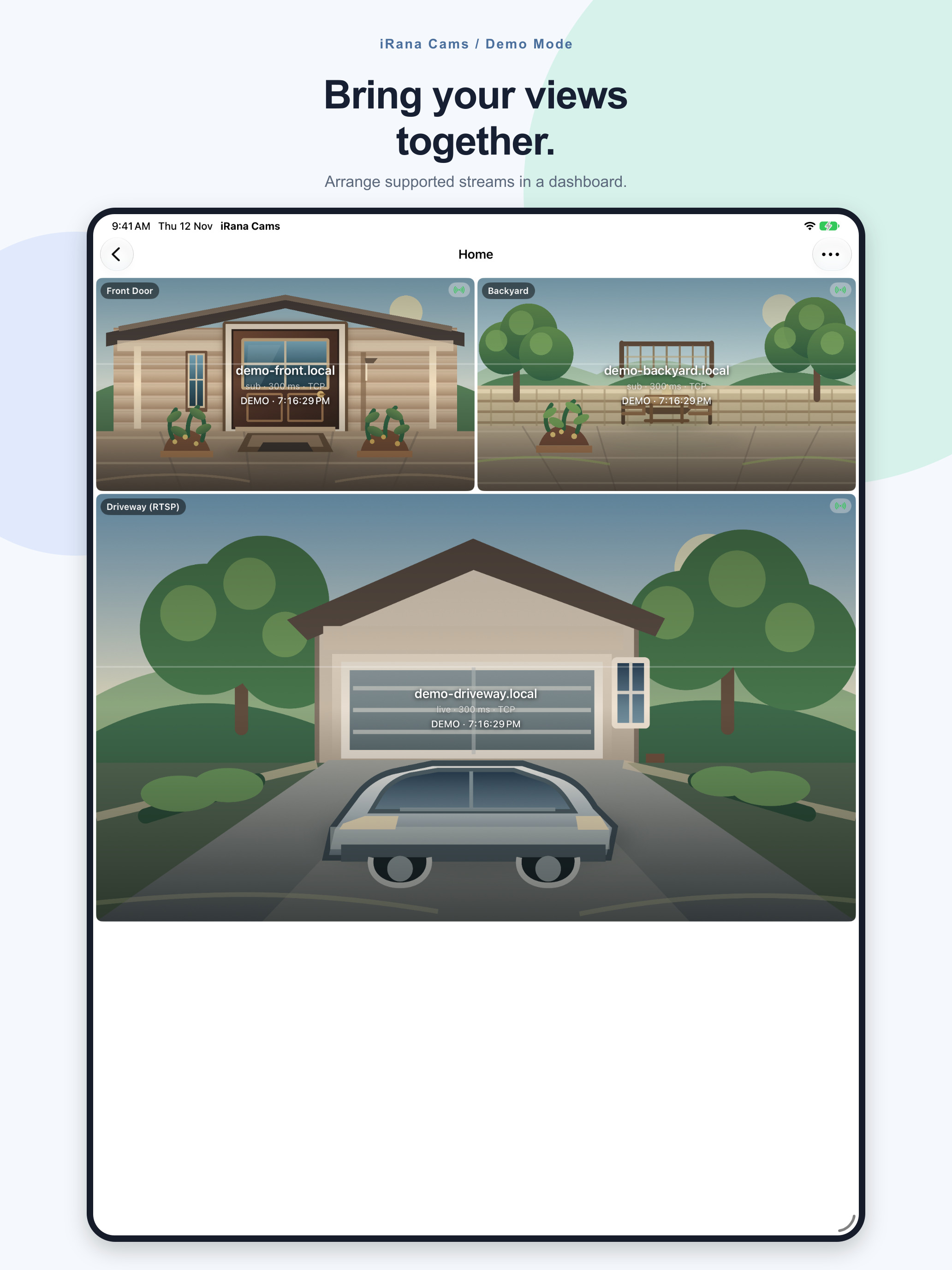
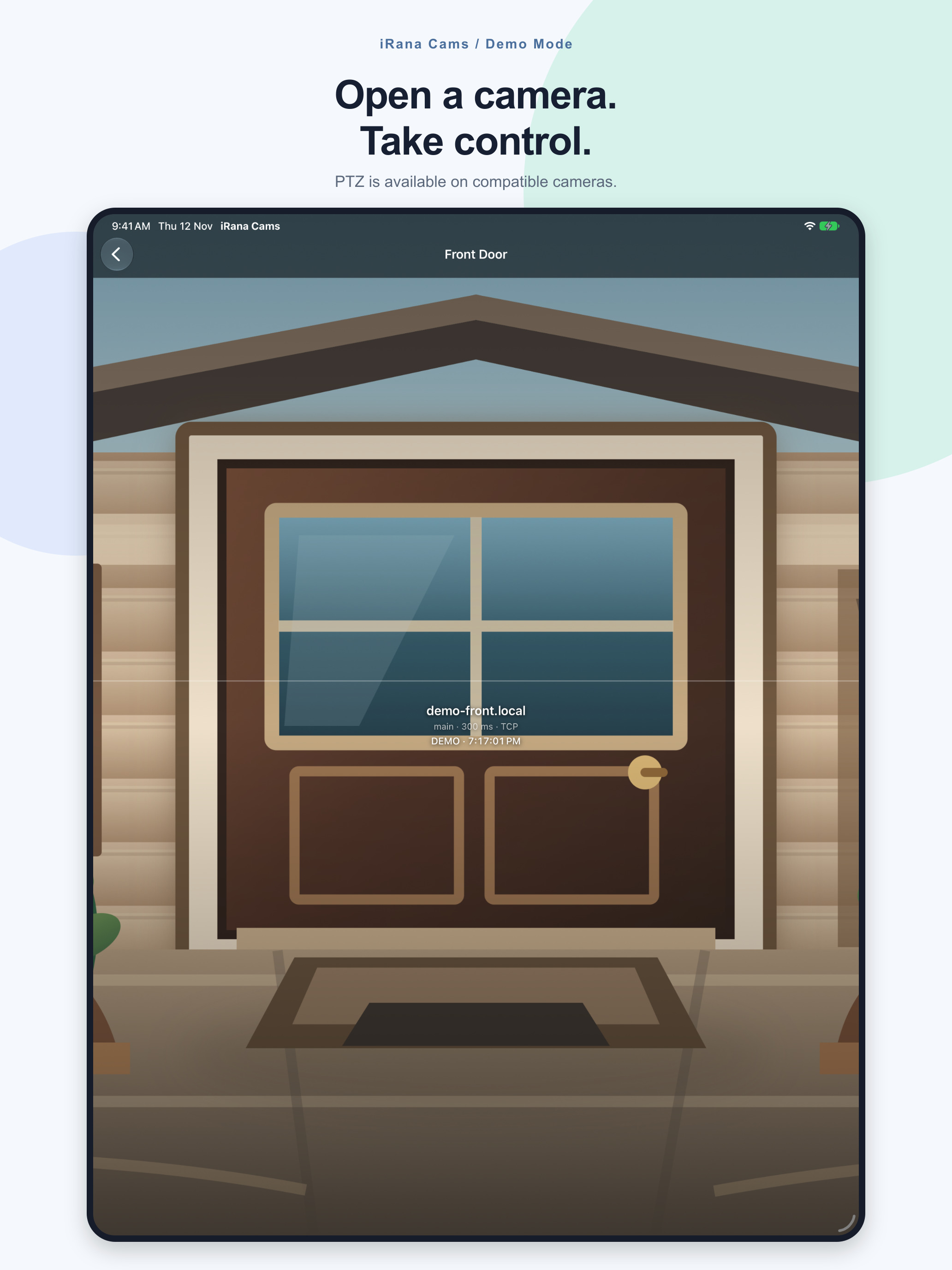
These captures use the app's built-in Demo Mode; camera names and sample feeds are simulated.
A larger canvas
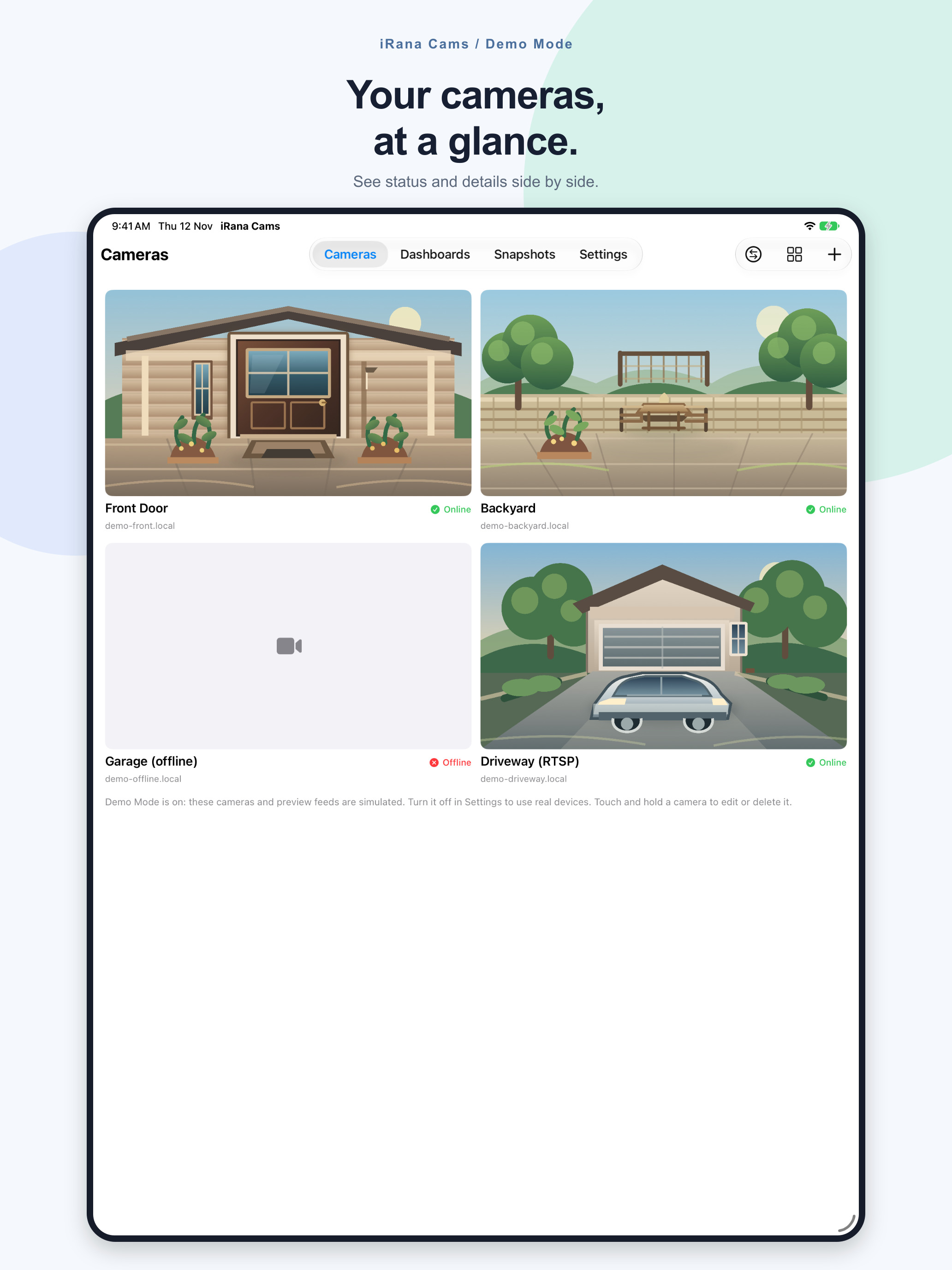
iRana Cams adapts its camera and dashboard views to the device you're using.
What it does
Discover compatible ONVIF cameras or add an RTSP stream manually. Camera and network compatibility varies.
Group saved cameras into dashboards and view up to nine streams at once, depending on device and network capacity.
Use pan, tilt, zoom, and presets when an ONVIF camera reports a compatible PTZ profile.
iRana Cams does not use a developer-operated video relay. iCloud sync is off by default, and snapshot uploads require separate consent.
Read how iRana Cams handles data